


Book Poojas and Havans
All poojas and havans are performed strictly in accordance with the ancient Kallur Mana tradition
We do not regard these rituals as mere tasks, but as a sacred responsibility towards the Divine.
In tantra, even the slightest lapse in a pooja procedure carries karmic accountability for the performer. Therefore, we undertake each kriya with utmost care, devotion, and adherence to lineage injunctions and hence, we expect the same sincerity and devotion from the devotees who seek these rituals.
 Read More
To seek blessings of our kuladevatha - Durga (1000 year old) for protection & removal of obstacles
Loading days...
4 hr
2,000 Indian rupees Read More
To seek blessings of Kallur Mana's kuldevatha Durga Devi for Prosperity, Protection & Family Harmony
Loading days...
4 hr
2,000 Indian rupees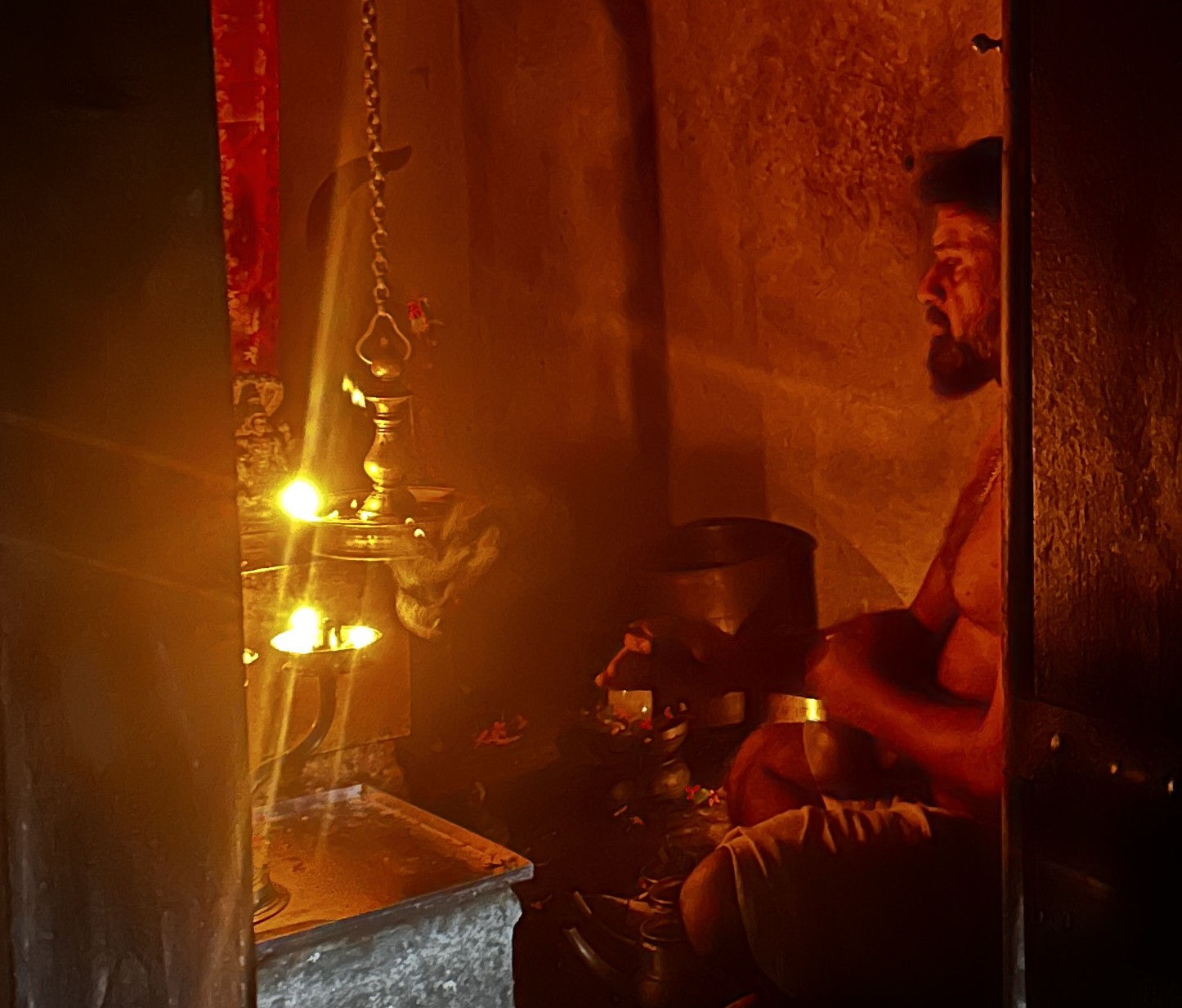
Loading days...
6 hr
4,000 Indian rupees
Loading days...
2 hr
7,000 Indian rupees
2 hr
4,500 Indian rupees
Loading days...
2 hr 30 min
15,000 Indian rupees
Loading days...
2 hr 30 min
7,000 Indian rupees
Loading days...
2 hr 30 min
10,000 Indian rupees
Loading days...
2 hr 30 min
14,000 Indian rupees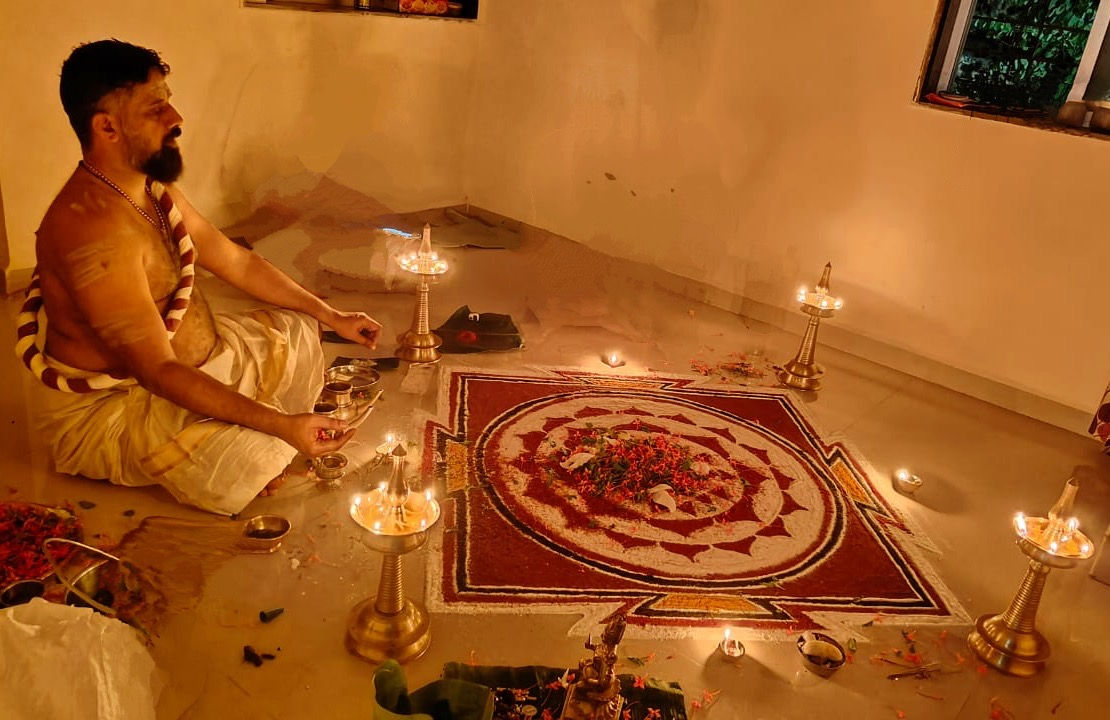
Loading days...
2 hr 30 min
40,000 Indian rupees
Loading days...
2 hr 15 min
8,000 Indian rupees
Loading days...
2 hr 15 min
10,000 Indian rupees
Loading days...
2 hr
5,000 Indian rupees
Loading days...
2 hr
6,500 Indian rupees
Loading days...
1 hr 30 min
6,000 Indian rupees
Loading days...
1 hr
21,000 Indian rupees
Loading days...
3 hr
22,500 Indian rupees
Loading days...
2 hr
12,500 Indian rupees
Loading days...
2 hr 30 min
12,500 Indian rupees
Loading days...
2 hr 30 min
15,000 Indian rupees
Loading days...
1 hr 30 min
5,000 Indian rupees
Loading days...
2 hr 30 min
22,500 Indian rupees
Loading days...
3 hr
18,000 Indian rupees
Loading days...
2 hr
6,500 Indian rupees
Loading days...
2 hr 30 min
7,000 Indian rupees